Adjust the display until all of the segments in the following strip are distinct
and their intensity appears to be uniformly differentiated.

                               
0 1 2 3 4 5 6 7 8 9 a b c d e f

Use this link to: evaluate gamma.

The following links (full-bleed, solid-colour pages) are useful to determine uniformity, dead pixels, &c.
For best results, use a browser with full-screen mode.

black : k | white : w | grey : e | red : r | green : g | blue : b | cyan : c | magenta : m | yellow : y

You may use access keys to select the colours (e.g. k for black); h returns here.

The following gradients are useful to determine linearity. They should appear smooth, without banding.

greyscale

full (0–100%) · dark (0–50%) · mid (25–75%) · bright (50–100%)
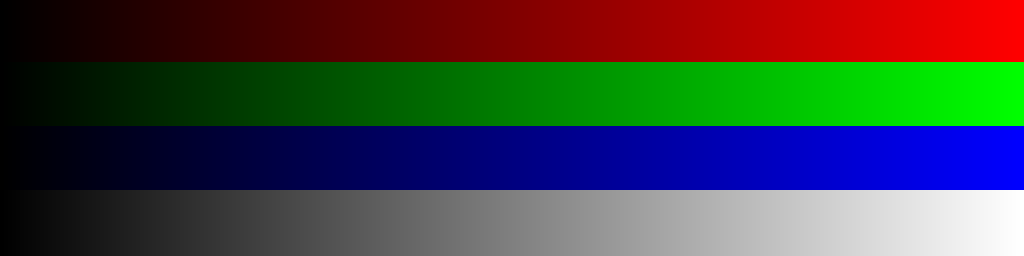
RGBscale

r (0–100%) · g (0–100%) · b (0–100%) · rgb (0–100%)

CMYKscale

gb (cyan) · rb (magenta) · rg (yellow) · rgb (black)
(This is the inverse of the rgbw gradient above.)